
Find your format.
Choose how you want to carry the same RoamID emergency access.
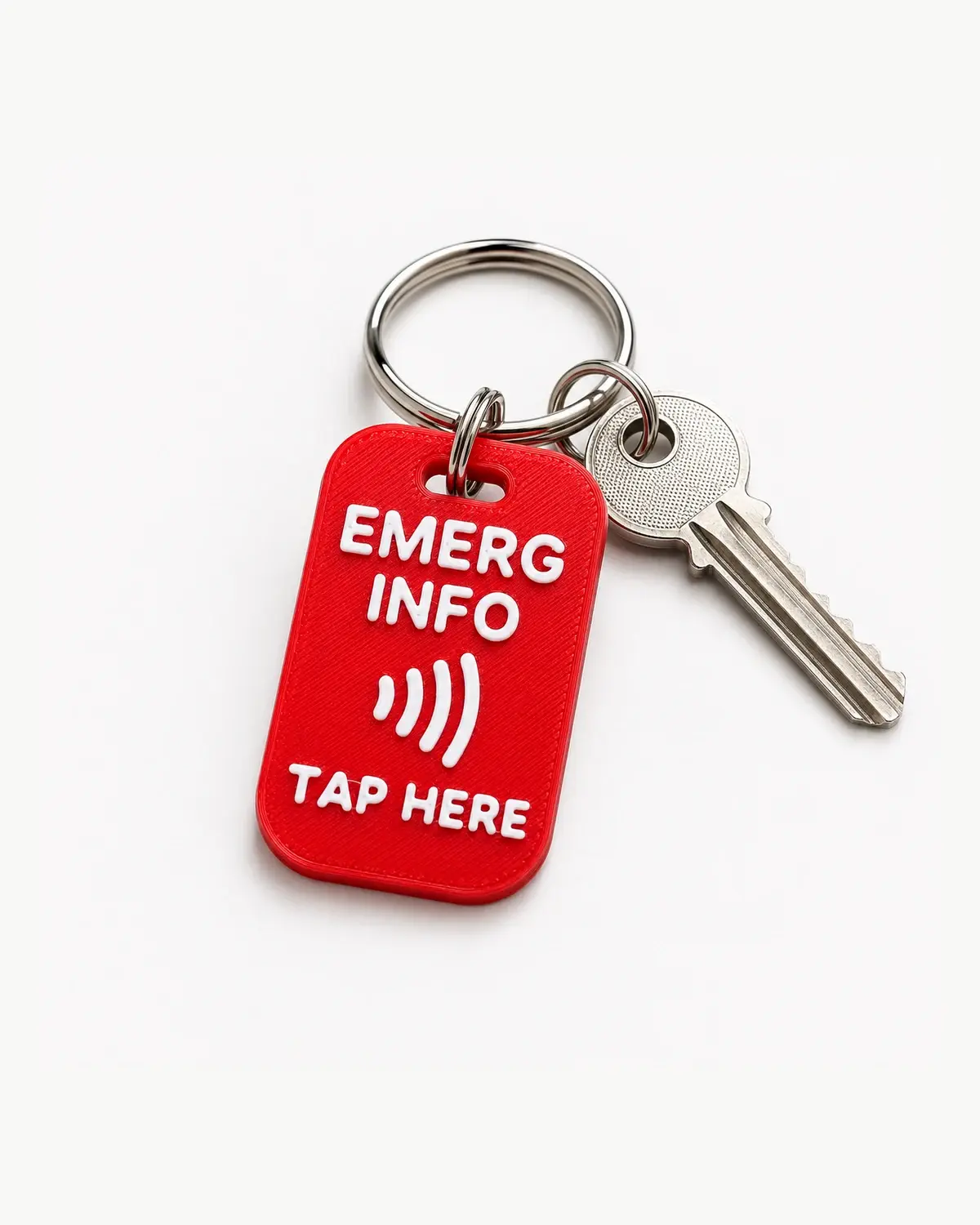
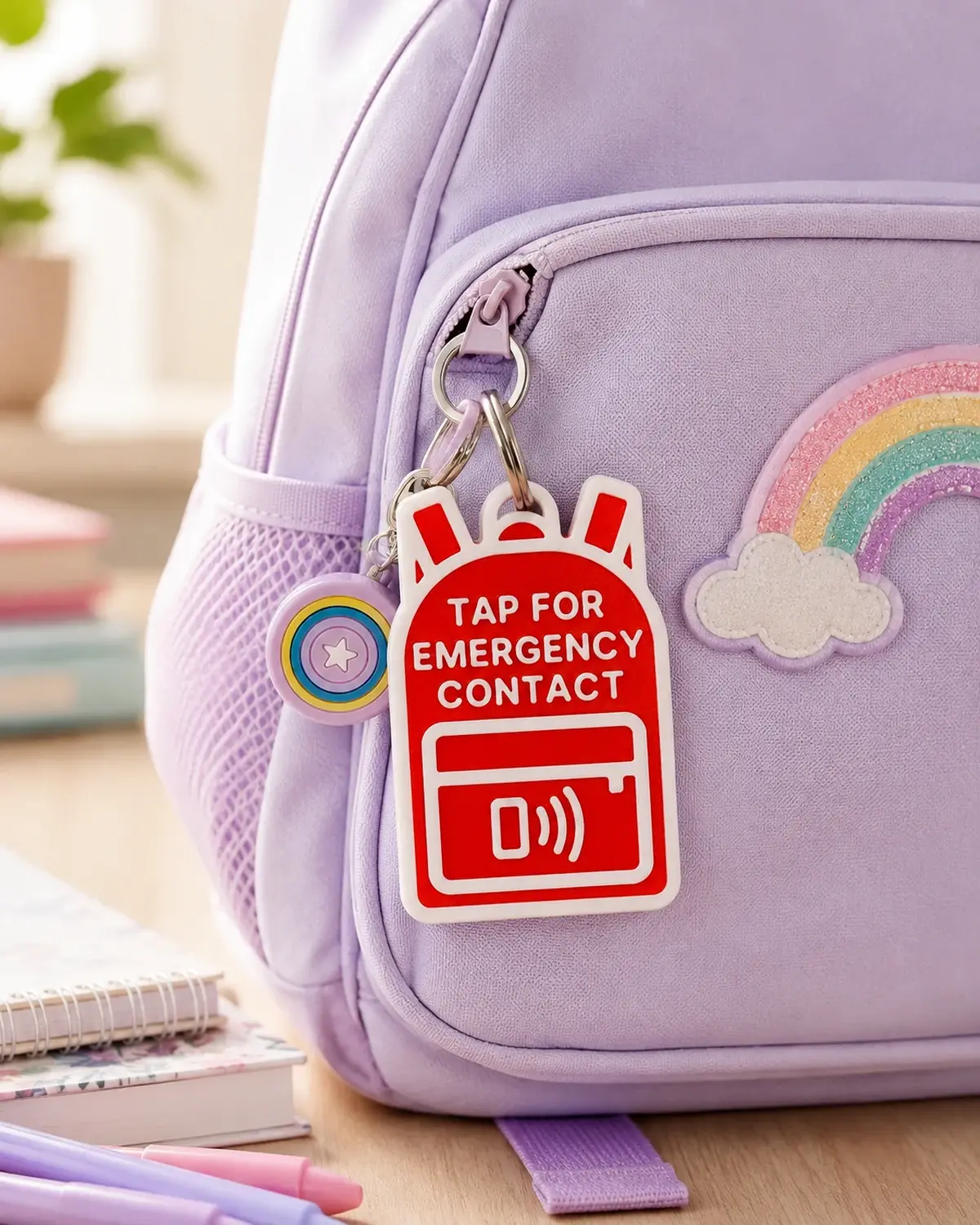
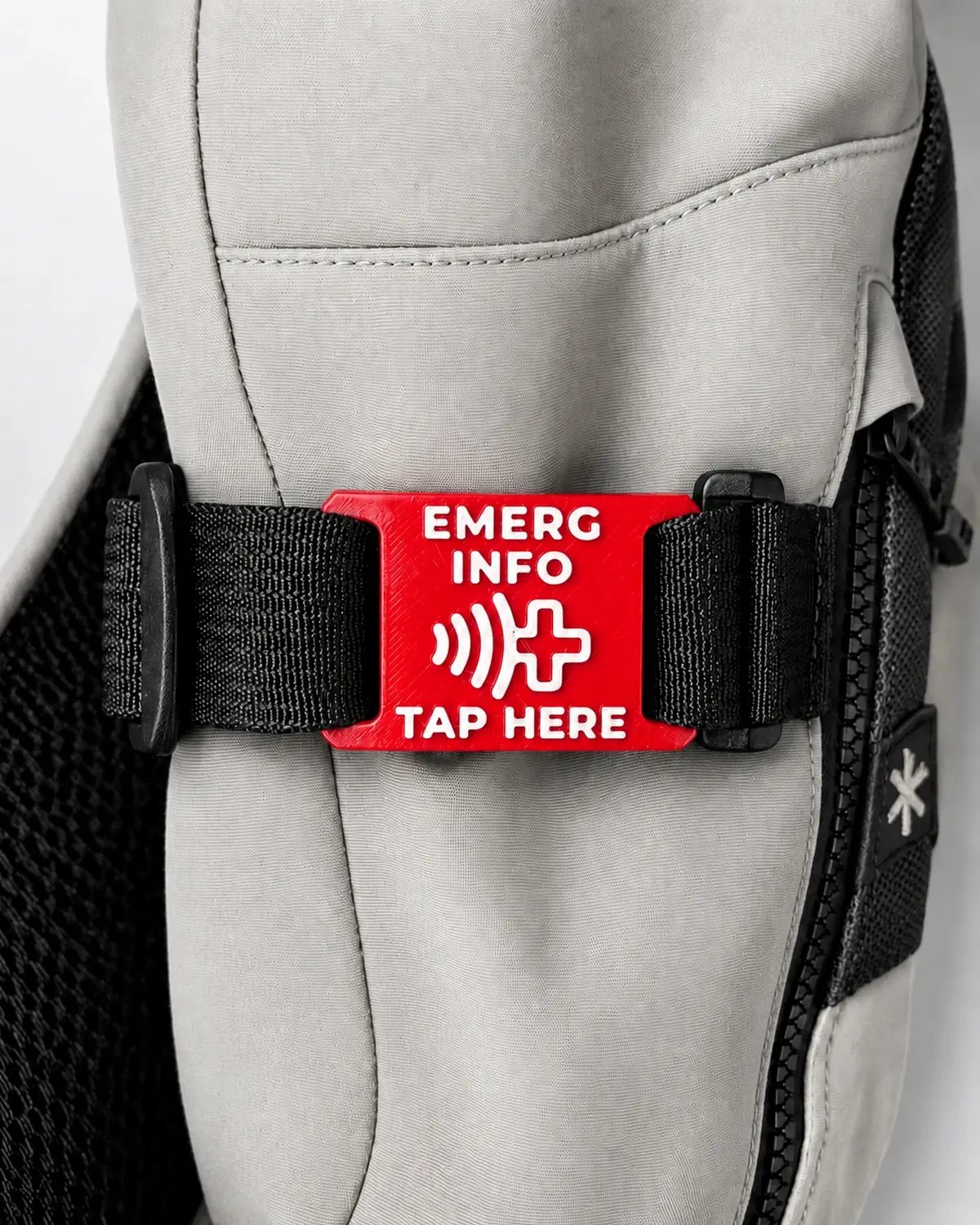
Different formats. Same RoamID.
Every physical RoamID format uses NFC for straightforward emergency access. A matching responder QR may be available digitally through Manage.
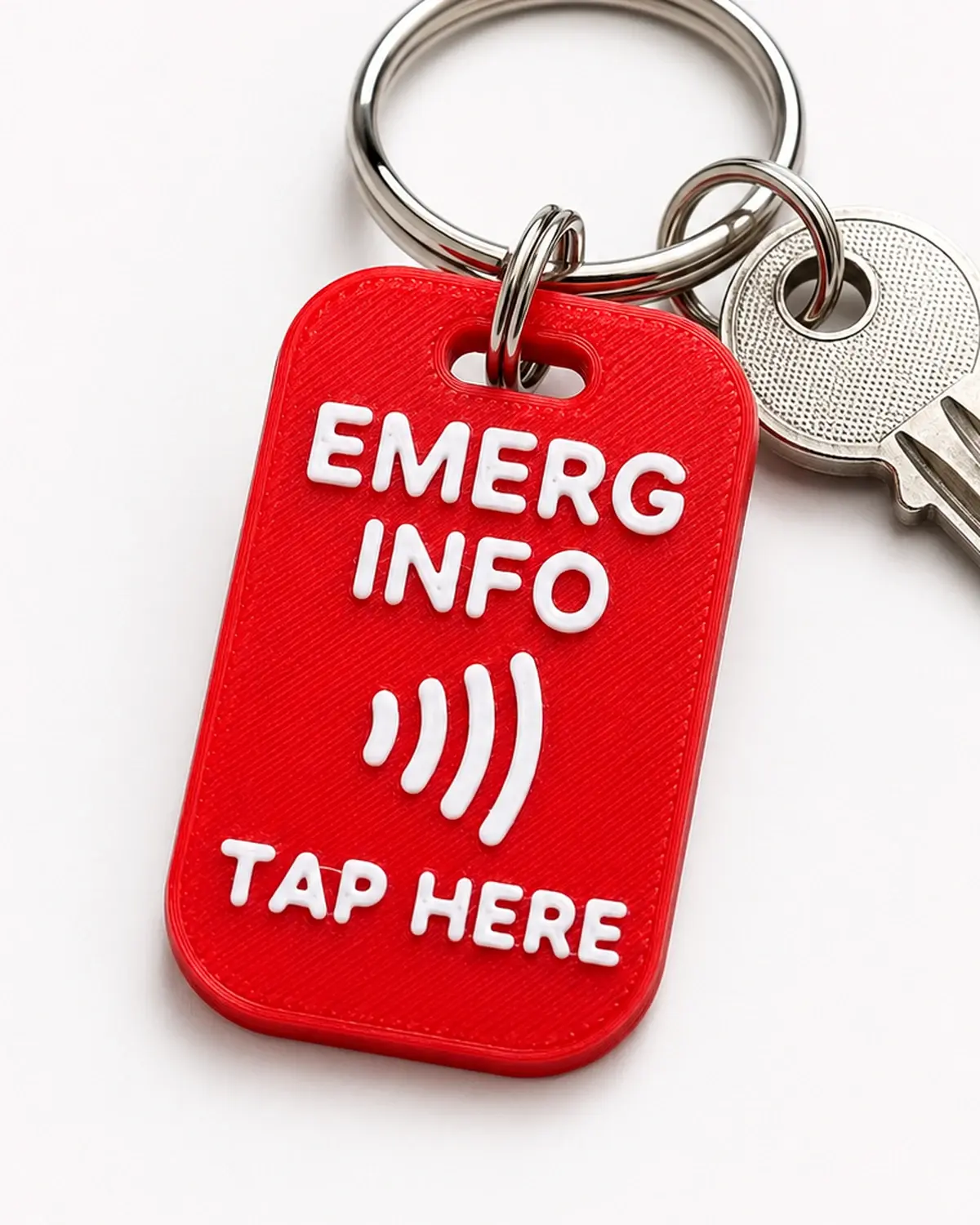
Keyring Tag
An easy-to-carry emergency-information tag for keys, bags and personal gear. Tap the physical NFC tag to open the assigned profile in a normal browser.
Physical NFC: Tap with a normal smartphone to open the emergency profile connected to this tag. A matching QR for the same permanent URL may be available in Manage; it is not printed on the current physical tag.
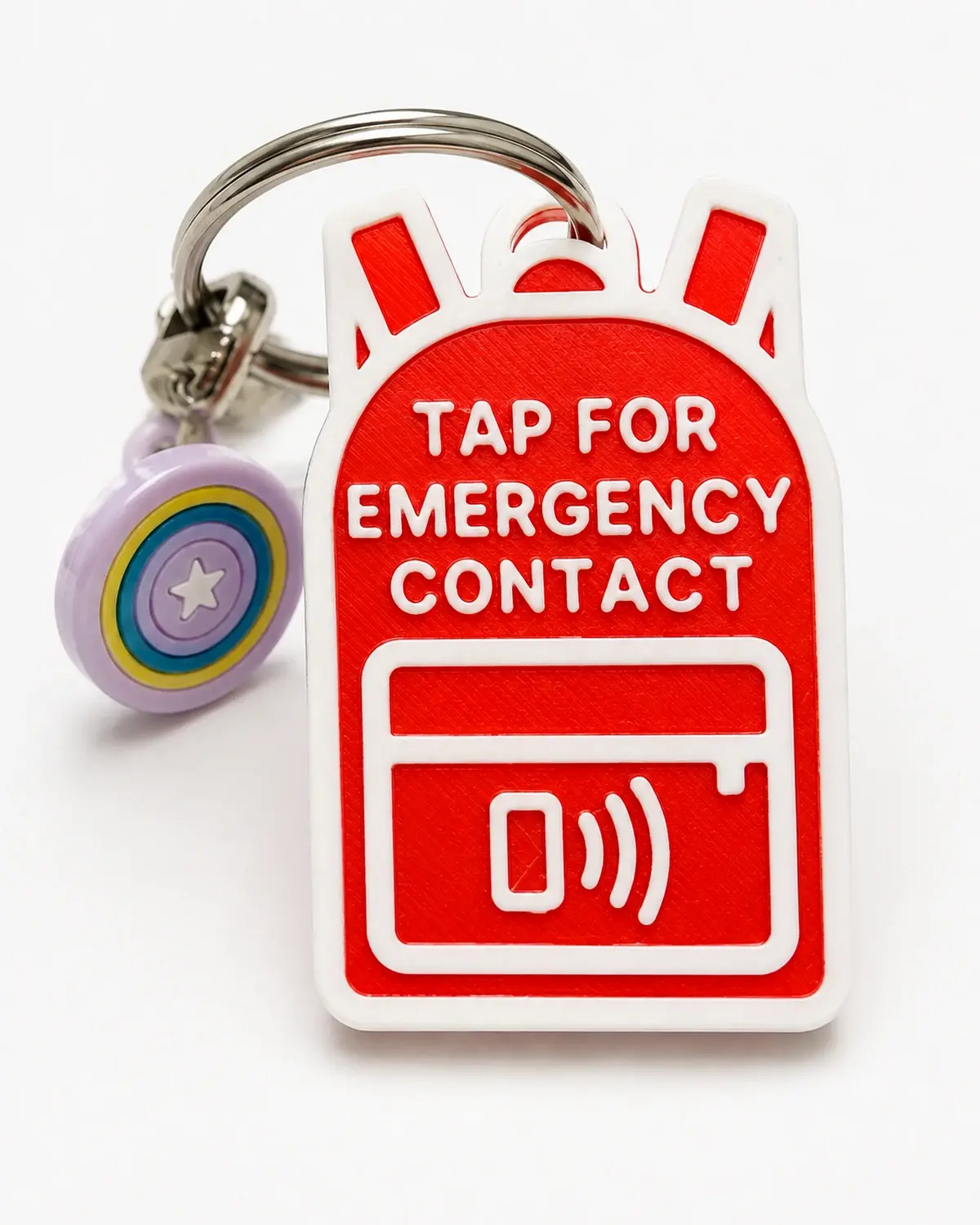
School Bag Tag
A readily visible option for school bags and backpacks where accessible emergency identification may be useful. Tap the physical NFC tag to open the assigned profile in a normal browser.
Physical NFC: Tap with a normal smartphone to open the emergency profile connected to this tag. A matching QR for the same permanent URL may be available in Manage; it is not printed on the current physical tag.
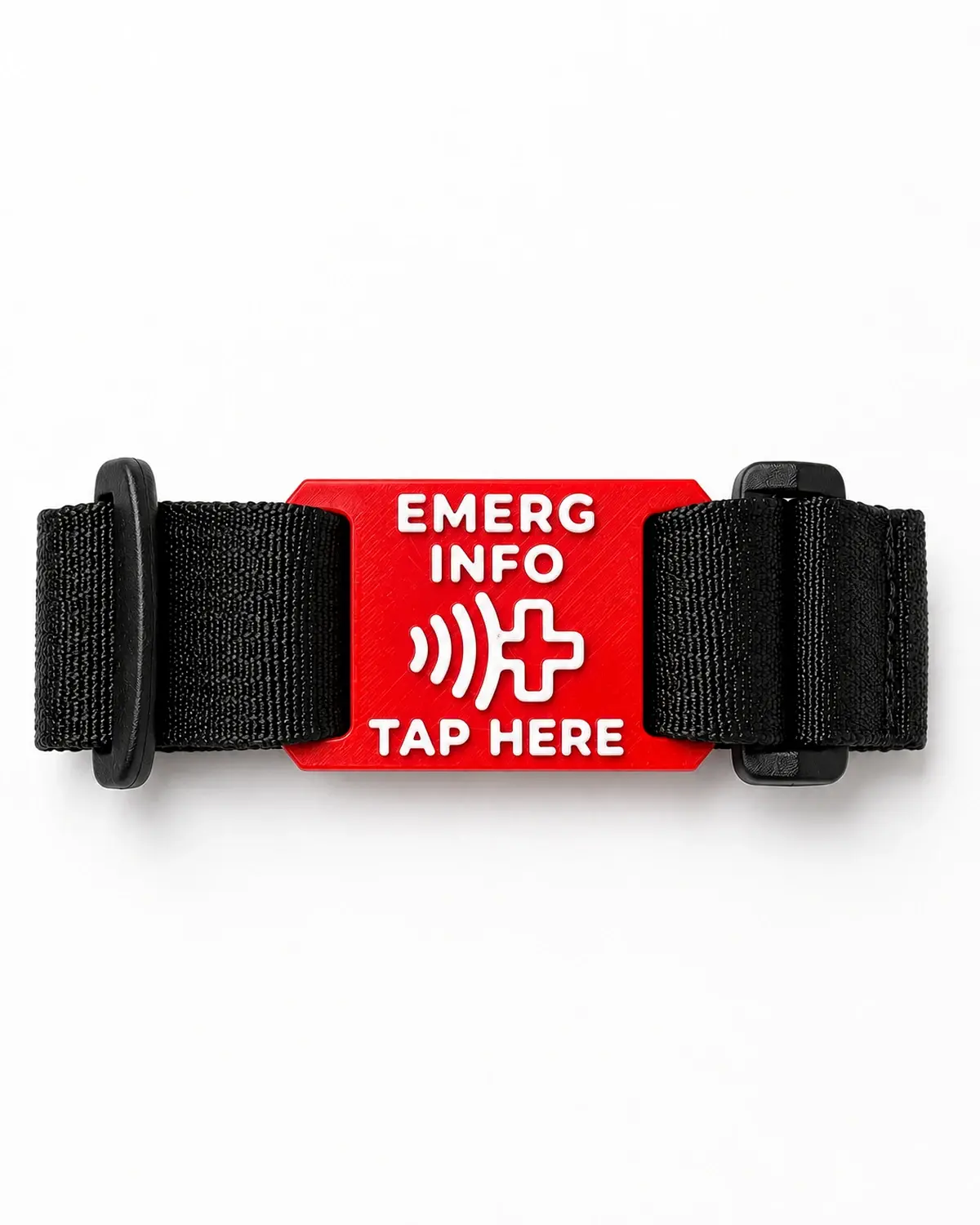
MOLLE Tag
Designed for motorcycle and adventure riding, MOLLE-compatible luggage or equipment, and outdoor use. Tap the physical NFC tag to open the assigned emergency profile.
Physical NFC: Tap with a normal smartphone to open the emergency profile connected to this tag. A matching QR for the same permanent URL may be available in Manage; it is not printed on the current physical tag.