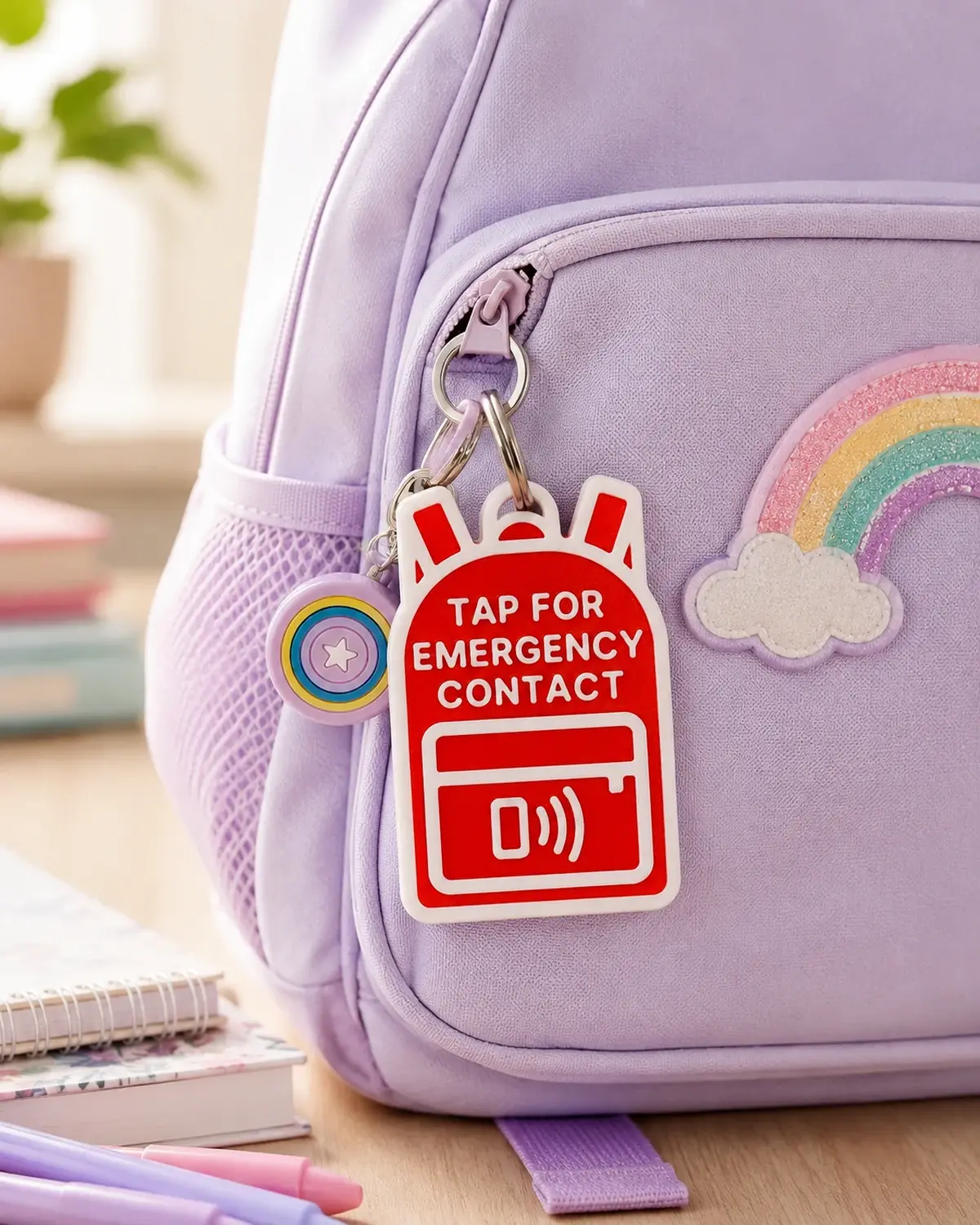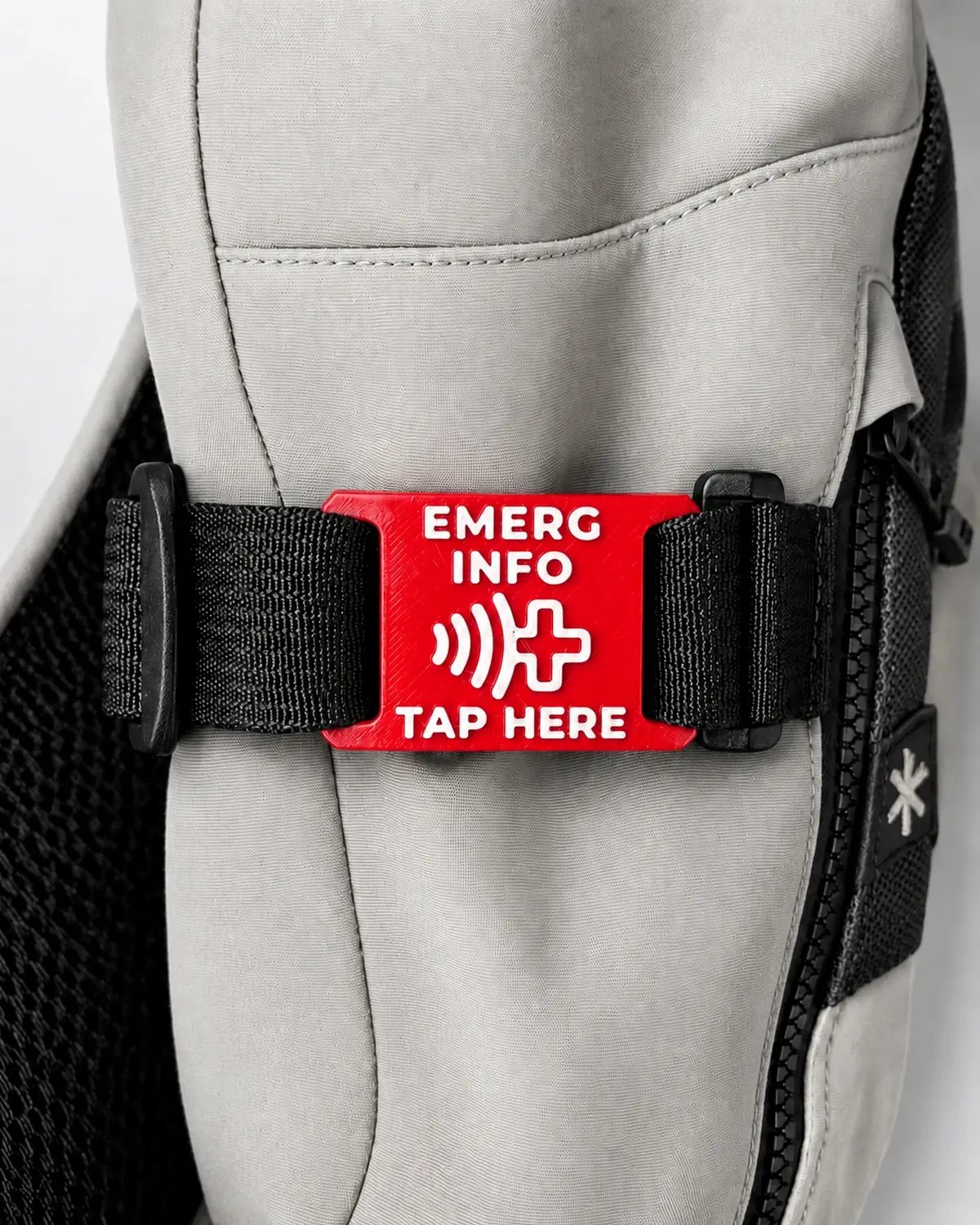
NFC + QR
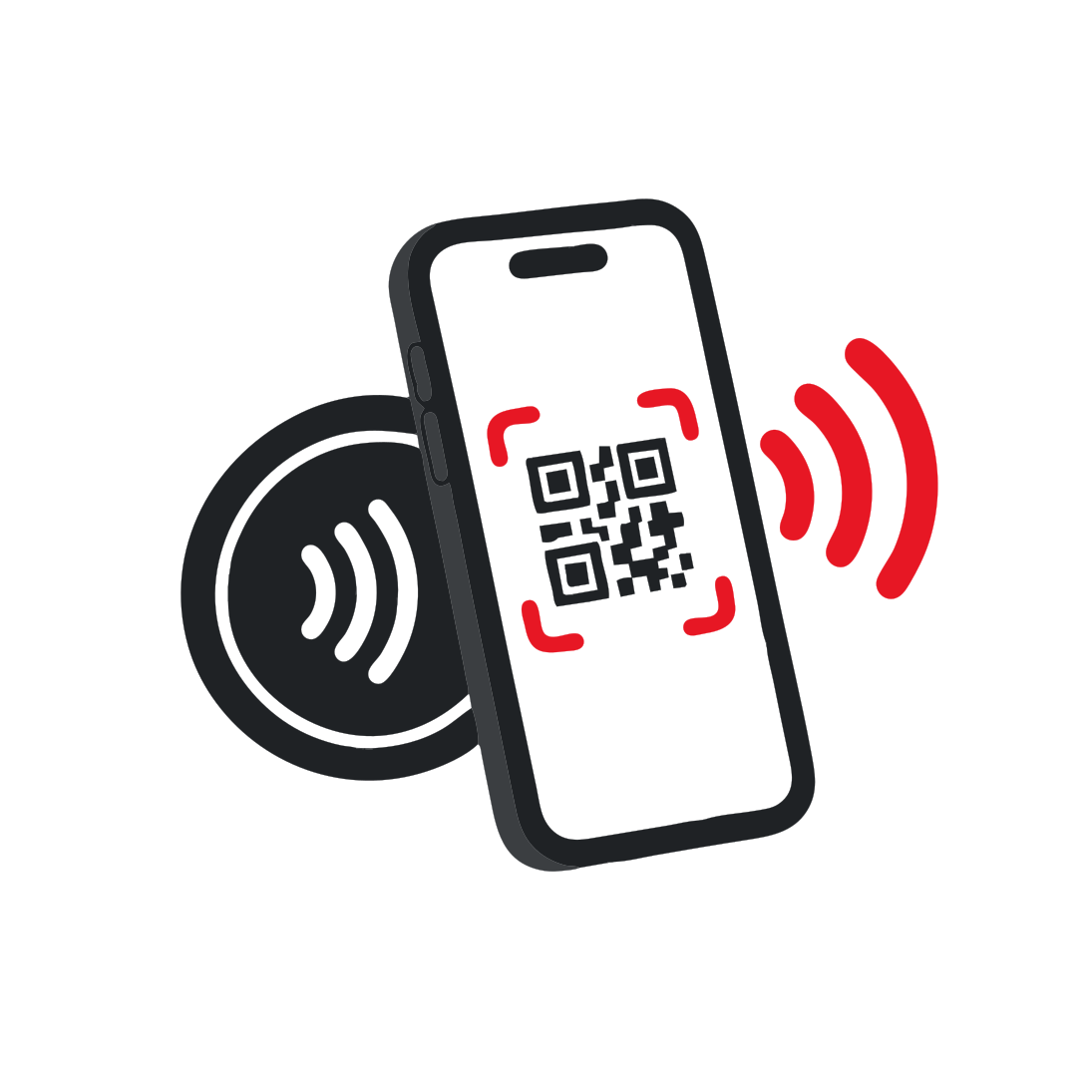
Tap or scan with a normal smartphone.

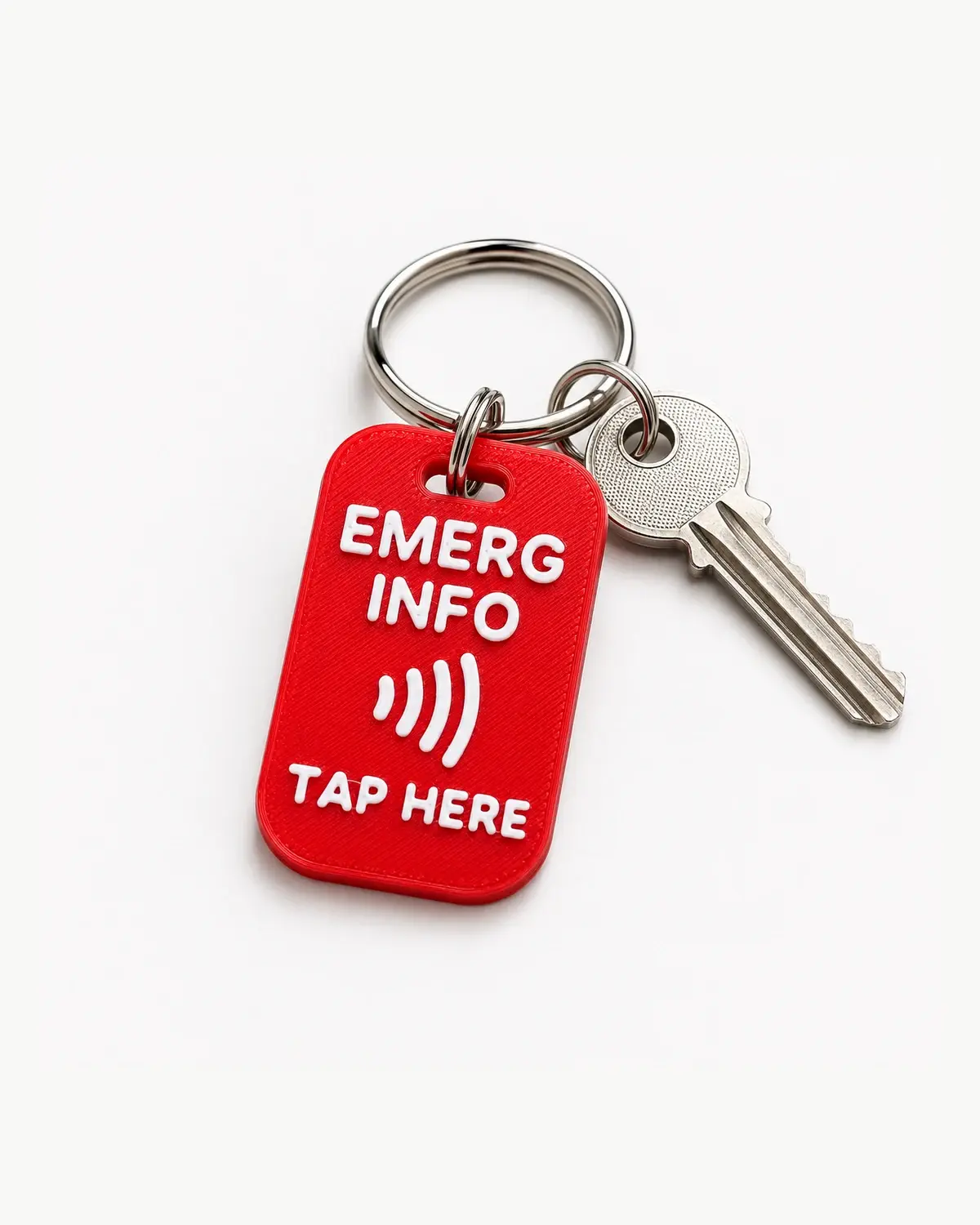
One tag. Wherever you may roam
RoamID connects NFC and QR to emergency information accessible in a normal browser, with no app required.
Explore the RoamID demonstrations
Simple access to useful emergency information without an app.
Tap or scan with a normal smartphone.
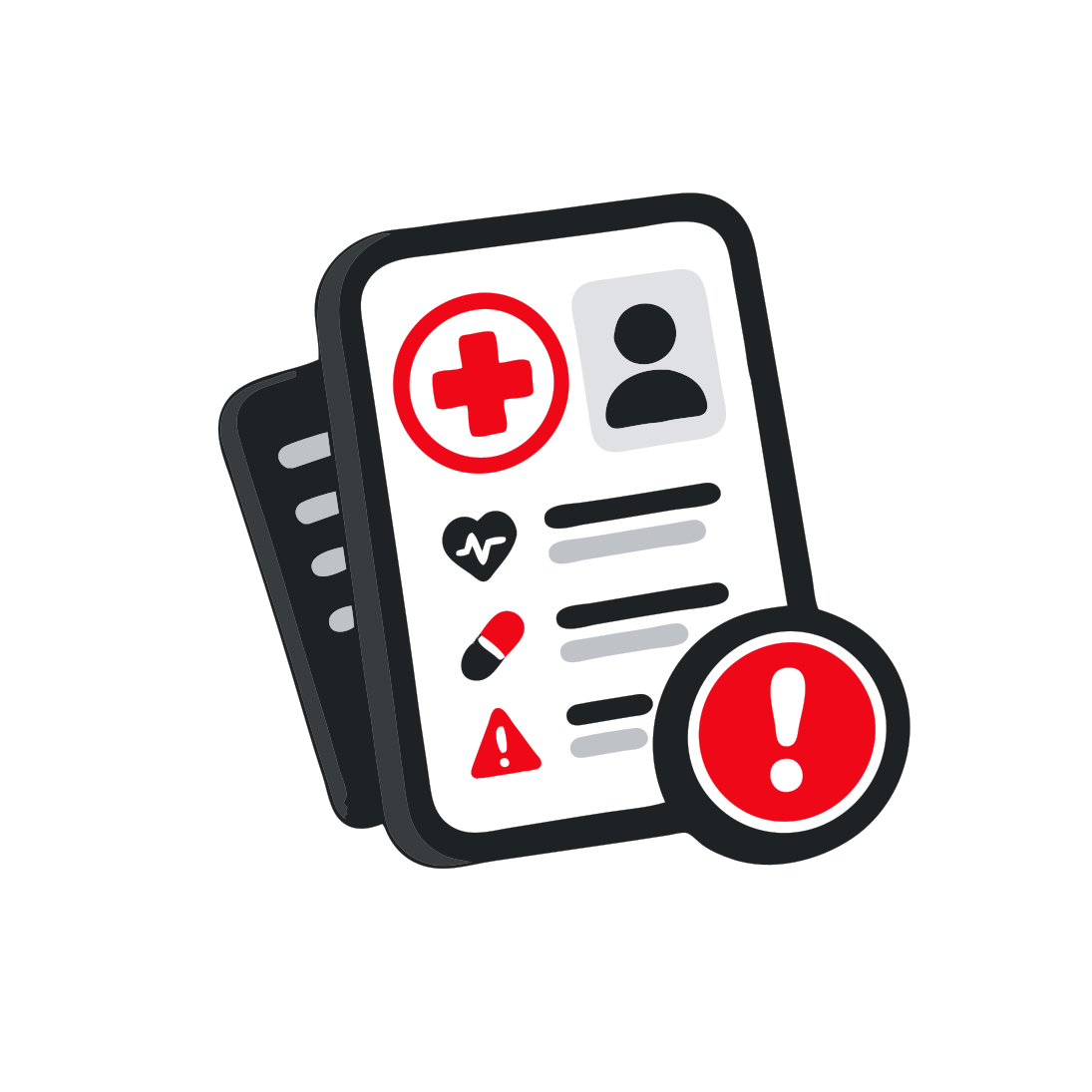
Emergency information opens in a normal browser.
Maintain the emergency profile without reprogramming the physical tag.
Three formats. The same straightforward emergency access.
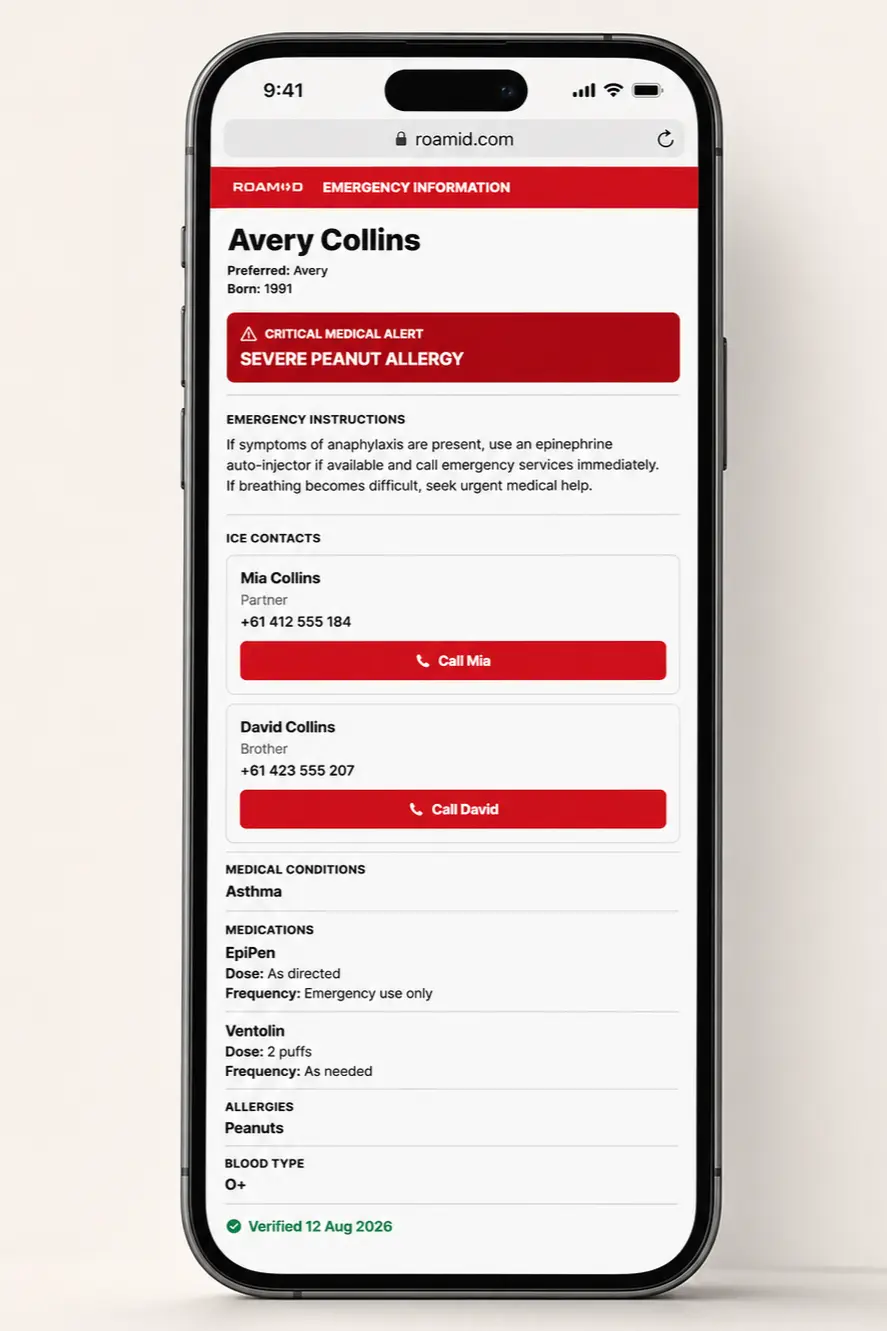
The responder experience
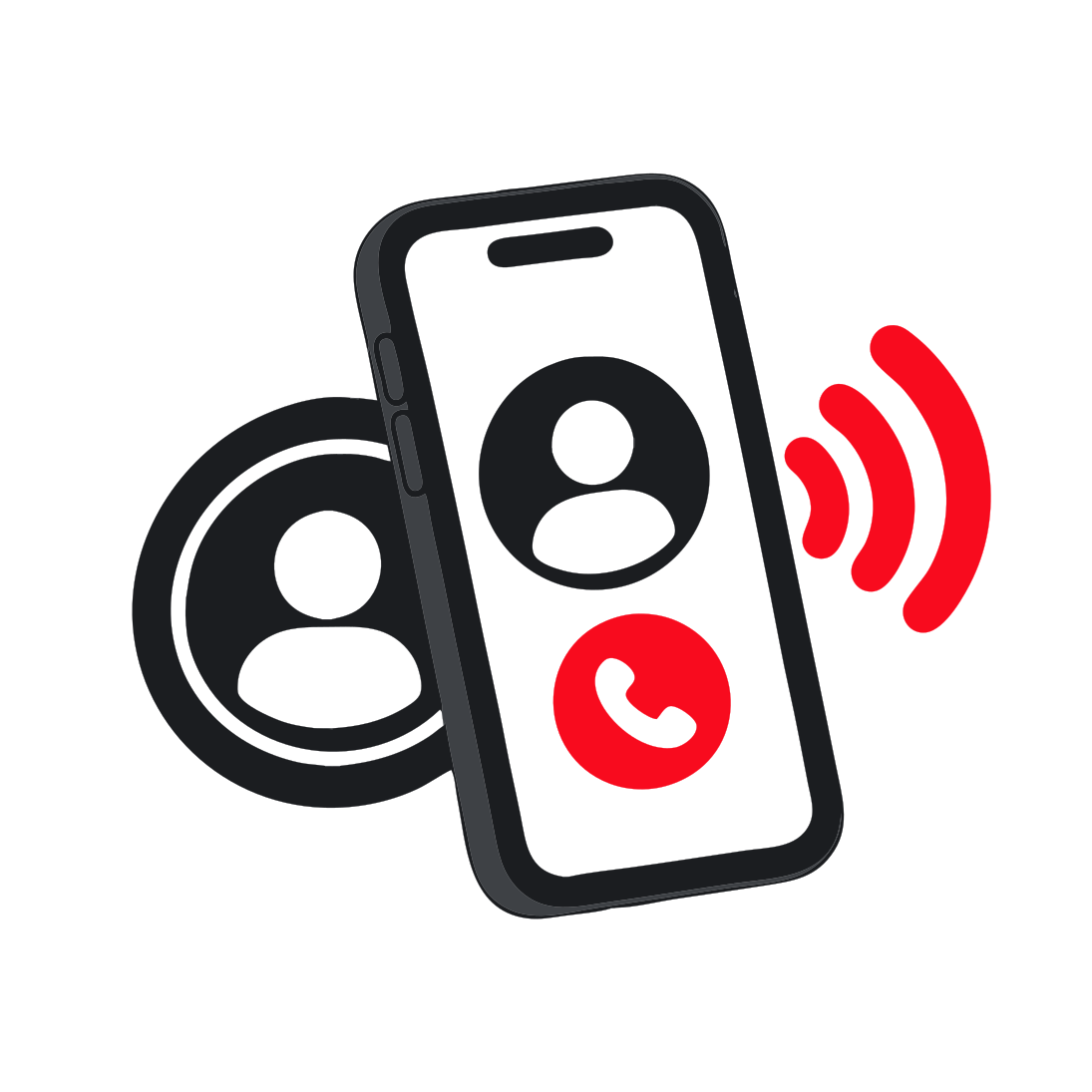
A RoamID tag opens a clear emergency profile in a normal smartphone browser. This representative view uses sample information, not live member data.
View Sample Emergency ProfileSee how the physical tag, emergency profile and ICE contacts fit together.
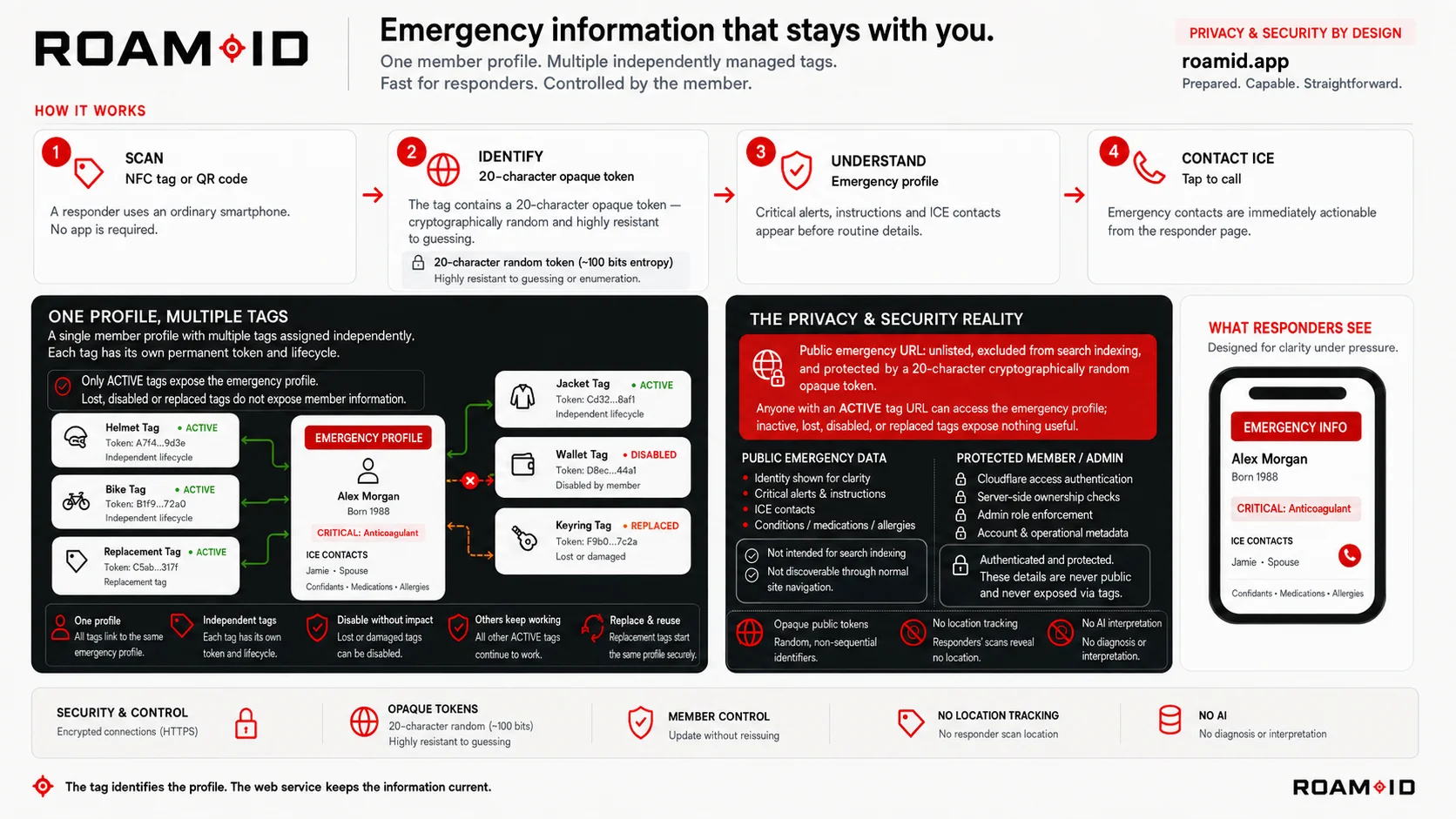
Clear by design
Anyone possessing or scanning the tag URL may view the emergency information associated with it. Emergency-profile information is not private. Only add information you are comfortable making available in an emergency.

Explore the three RoamID formats for everyday carry, school bags and adventure gear.
Explore RoamID Tags